ClipStack icon

ClipStack

Your clipboard, everywhere. Private by default.

A lightweight desktop clipboard manager that keeps your clipboard history searchable and organized. Sync across devices via your own cloud storage or peer-to-peer LAN — no third-party servers involved.

Features

📋

Clipboard History

Automatically captures text, images, and file references as you copy. Browse, search, and re-copy anything from your history in seconds.

🔍

Instant Search

Type to filter through thousands of clipboard entries instantly. Find that snippet you copied days ago in milliseconds.

☁️

Cloud Sync

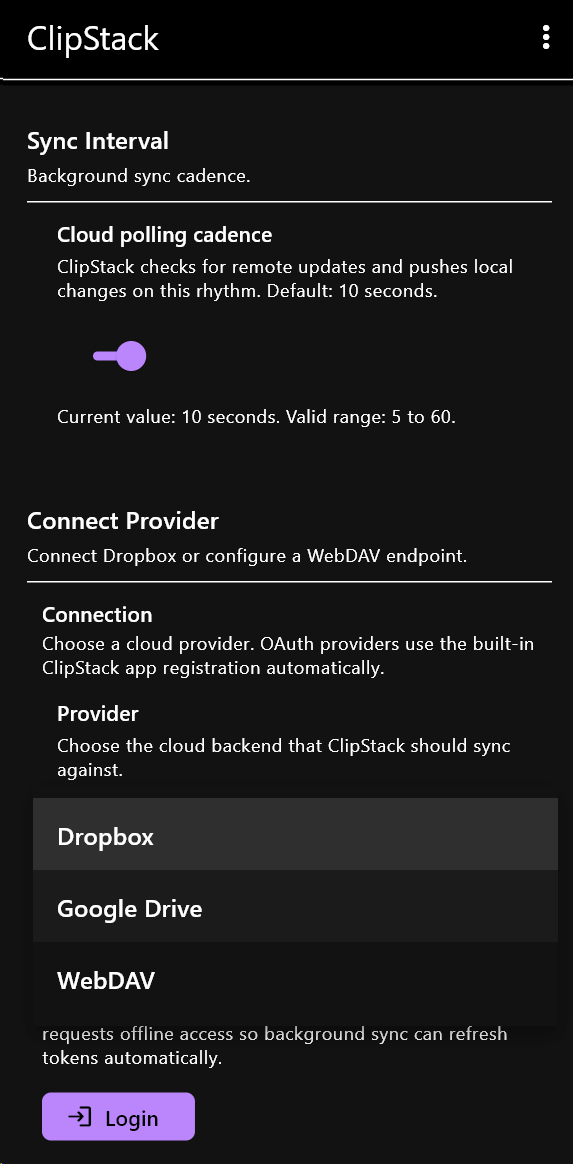
Optional sync via your own Dropbox or WebDAV storage. Your data stays under your control — we never see it.

📡

P2P LAN Sync

Devices on the same network sync directly over encrypted QUIC connections. No cloud needed, no middleman involved.

🚫

Zero Telemetry

No analytics, no crash reporters, no usage tracking. The app never phones home — period.

⌨️

Global Hotkeys

Configurable keyboard shortcuts to open ClipStack, paste the last item, or trigger specific actions without touching the mouse.

Screenshots

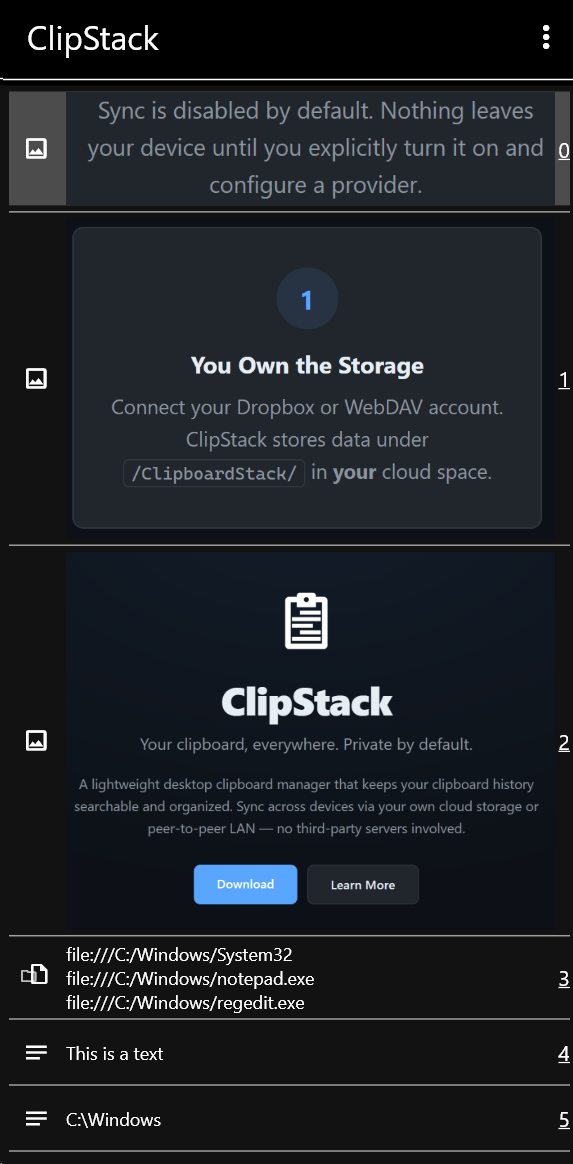
Clipboard history list
Clipboard History
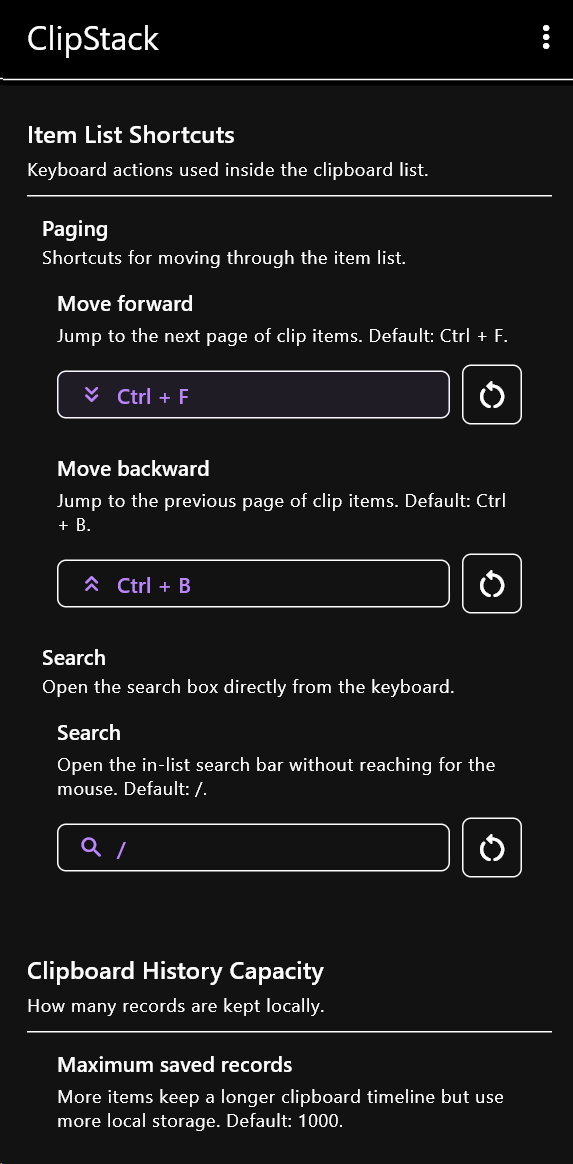
Preferences window
Preferences
Cloud sync settings
Cloud Sync Setup

How Sync Works

1

You Own the Storage

Connect your Dropbox or WebDAV account. ClipStack stores data under /ClipboardStack/ in your cloud space.

2

End-to-End Encrypted

P2P sync uses QUIC with TLS encryption. Your clipboard data is never readable by anyone on the network.

3

Opt-In Only

Sync is disabled by default. Nothing leaves your device until you explicitly turn it on and configure a provider.

Download ClipStack

Current version: 1.0.0

🪨

Windows

v1.0.0 · .zip
🍏

macOS

Coming soon
🐧

Linux

Coming soon